
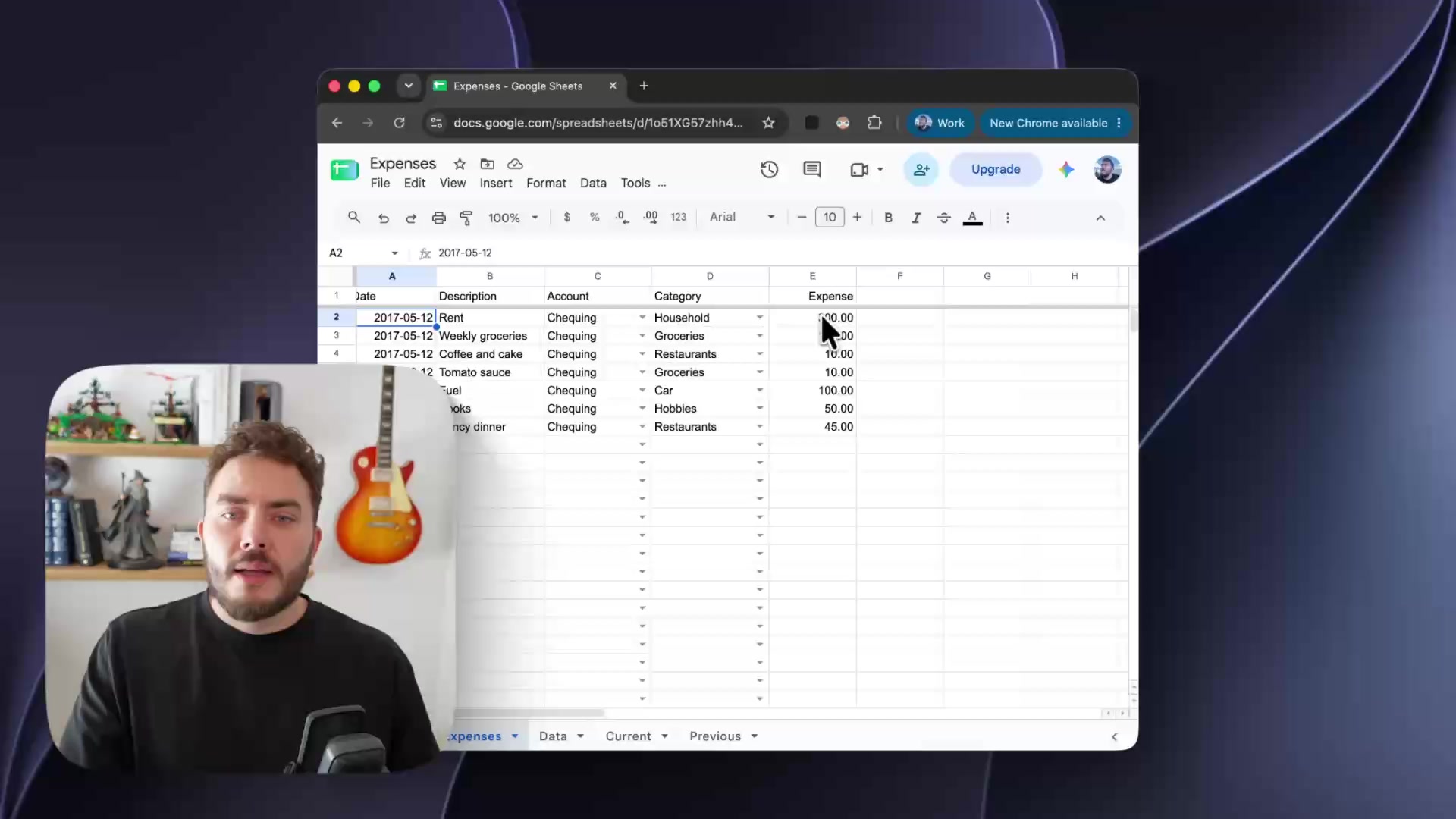
A note from the team
Built on a new engine.
We’re excited to share Screen Studio 4. It’s our biggest update yet.
Most of what’s new started with one decision: we rewrote the engine that draws every frame of your video. Screen Studio 4 renders with our own engine, written for WebGPU and for exactly what a screen recording needs.
Your preview and your export now come from the same engine, so what you see while editing is what you get. Exports are up to 3x faster on a Mac with Apple silicon. The engine also made room for things we couldn’t build before: a loupe with the optics of real glass, color grading for your camera, and an upscaler that runs on every frame.
We trained our own models, too. One sharpens your recording wherever a zoom enlarges it. Another separates you from your background for Camera cutout. Both run entirely on your Mac.
Here’s everything that’s new.
 The Screen Studio team
Glass Loupe and sharper zooms
Nothing on your screen is too small to read.
Magnify a detail under a glass lens. Your viewers see it up close, along with everything around it.
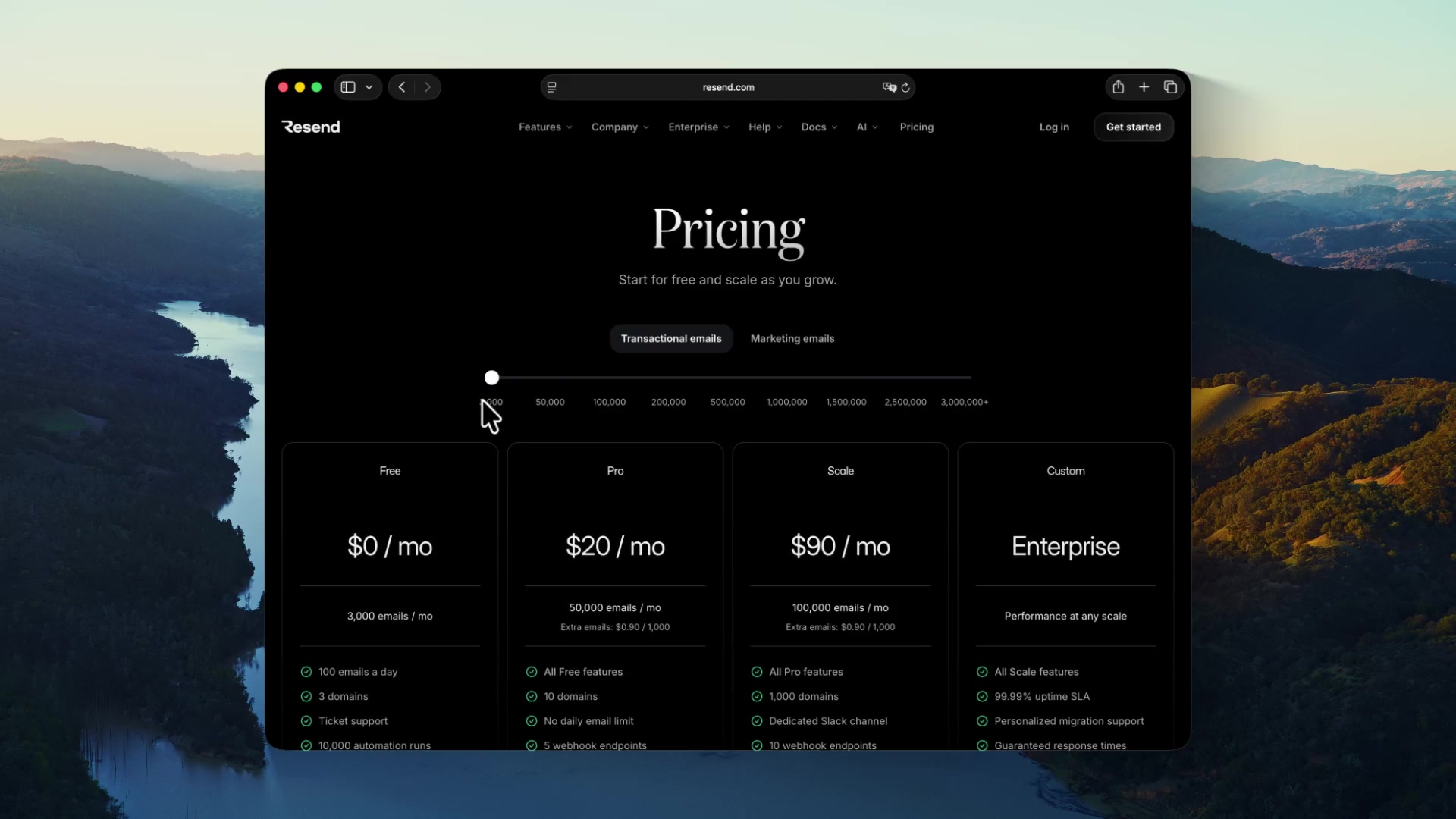
Use it where a classic zoom would move too much of your screen.
Use it where a classic zoom would move too much of your screen.
Zoomed-in text is sharper. Screen Studio upscales your recording wherever a zoom enlarges it.
Real optics. Glass Loupe bends your recording through a curved glass edge, the way a magnifying glass would.
On every frame. The upscaler is small enough to run on every frame of your export, on your Mac’s graphics chip.
Start animation early. Your video is zoomed in by the time the action starts.
Camera cutout and Split screen
People see you as clearly as your screen.
Appear in front of your screen with Camera cutout, or beside it with Split screen. You can switch layouts during your video, and Screen Studio animates every change automatically.
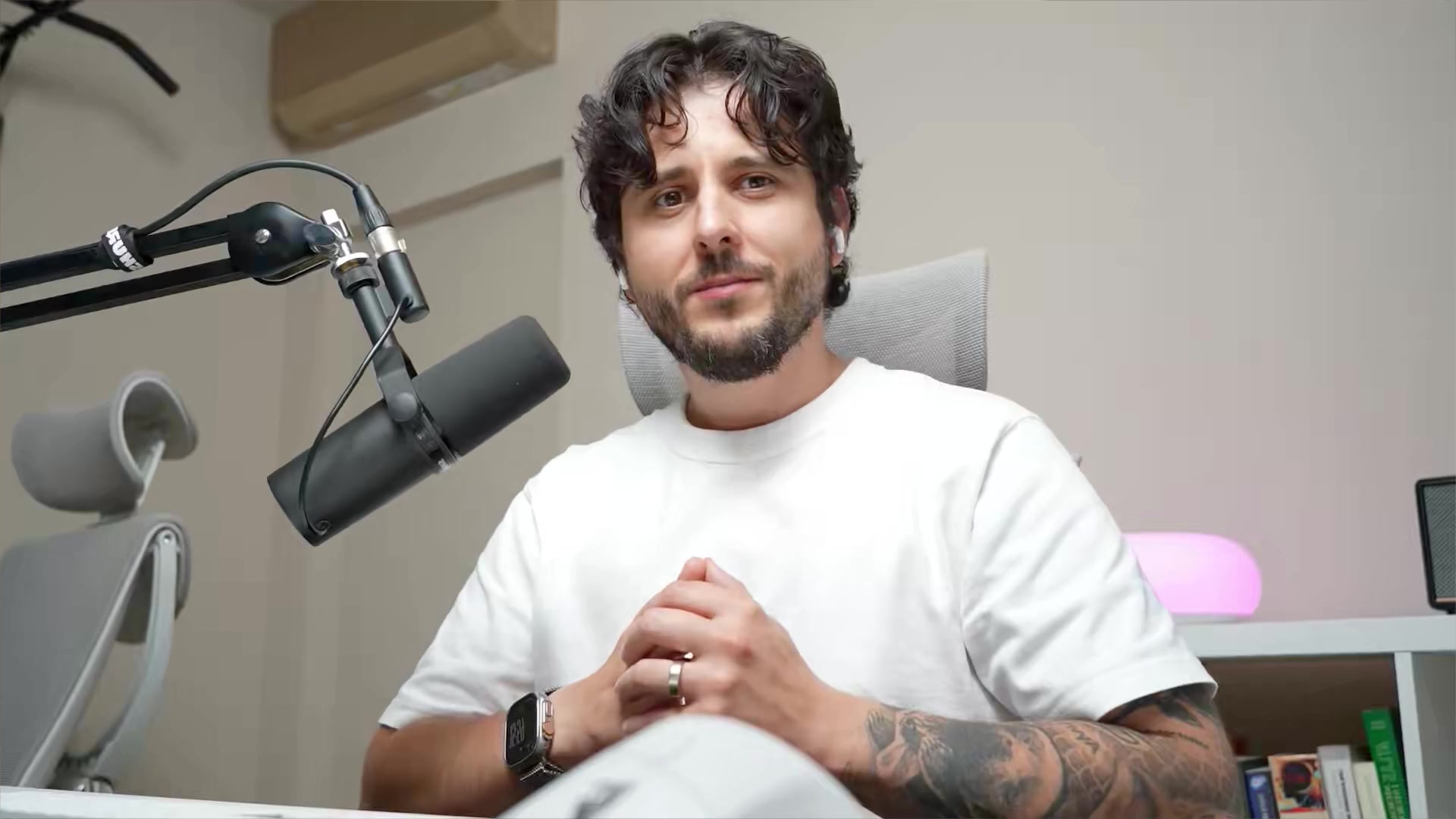
Layouts in this video
Fullscreen camera
0:00 / 0:19
Camera cutout (beta). Your background is removed on your Mac, by a model we trained for webcam footage.
Split screen. Side by side, or one above the other in a vertical video.
Face tracking. Keeps your face centered as you move.
Hide during silence. Hides your camera while you’re not talking.
Color grading. Pick a color preset for your webcam and set how strong it is, or load your own LUT file. Screen Studio comes with 12 looks.
Camera crop. Keep only part of your camera picture.
Edit by transcript
Fix mistakes after you stop recording.
You can now edit your video like you edit text. Delete a sentence from your transcript to cut it from your video.
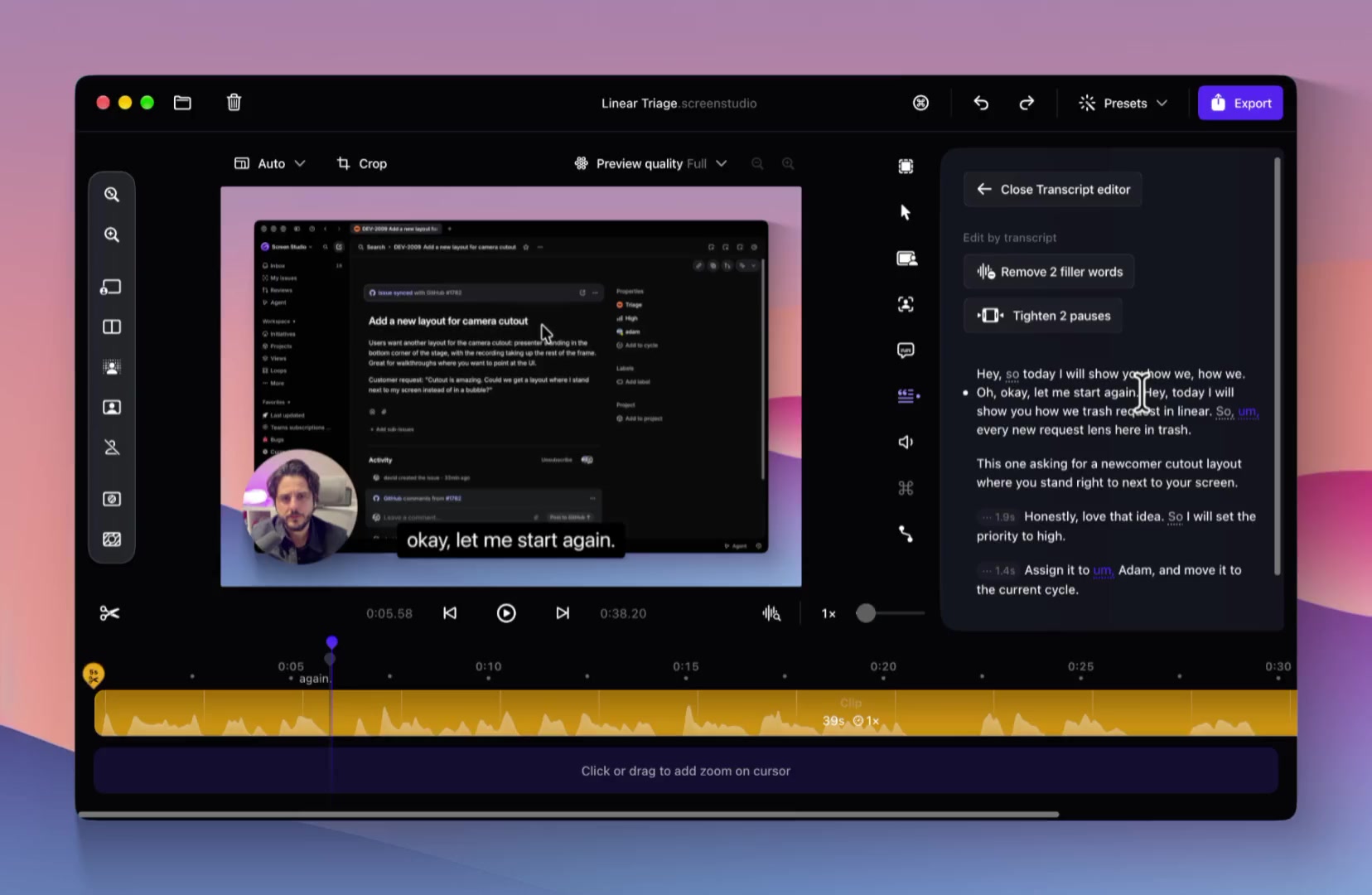
Edit by transcript. Select any words in your transcript and delete them. That part of your video is cut. 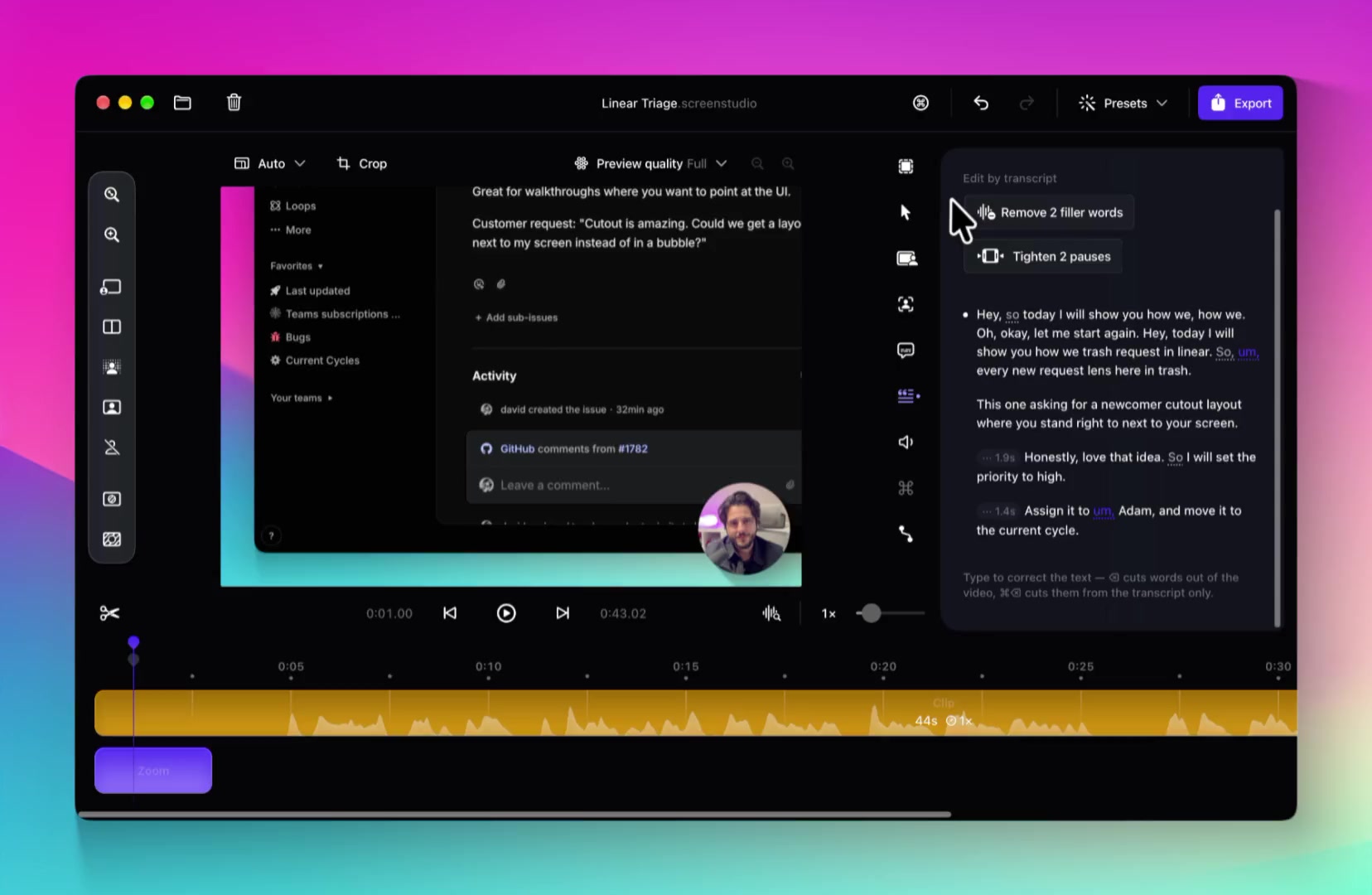
Filler words and pauses. Finds filler words such as “um” and “uh”, and long pauses, and offers to shorten them. Filler words need a transcript made with Cloud transcription.
Sound as if you recorded in a quiet room, or in a studio.
Your microphone as it was, with the keyboard and the room still in it.
Reduce background noise and room echo after you record. Your voice is processed on your Mac.
Noise reduction. Reduces background noise and room echo.
Podcast (beta). Makes your voice sound full and close, as if you had a studio microphone.
Requirements. A Mac with Apple silicon and macOS 14 or later.
Captions
Captions in the style of your video.
Choose a font style, color, and position for your captions. Show them line by line or word by word.
Animations. Words appear, fade in, or slide in.
Cloud transcription. Uploads your microphone audio to generate your transcript. Requires macOS 26 or later and a Screen Studio account.
Faster from recording to export.
Exports take less time, and recordings take less space. Your earlier work is one click away.
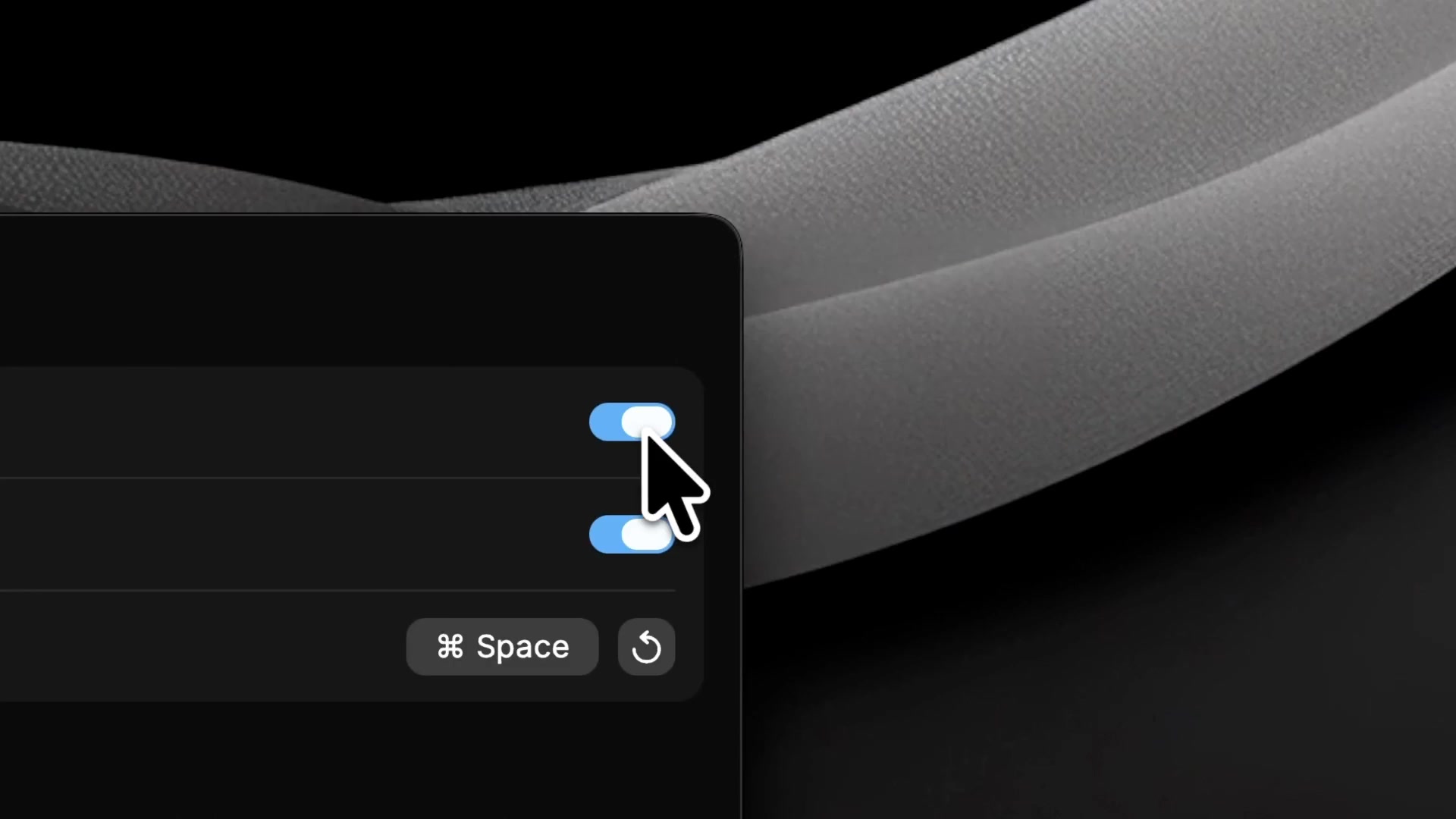
Ripple click effect.
Redrawn for Screen Studio 4. Each click sends a ripple through your recording.
Faster exports.
Up to 3x faster on a Mac with Apple silicon.
Smaller recordings.
New recordings are up to 2x smaller.
Previews in the Finder.
The Finder and Quick Look show a preview of your projects.
Recent projects.
Your recent projects appear next to the recording picker.
Also new.
Preview toolbar. Add zooms, camera layouts, and masks from a new toolbar next to the preview.
Open where you left off. Projects open at the playhead position you saved.
Show shortcuts with real keycaps. Shortcuts you press appear in your video as keyboard keys.
Hide cursor while typing. Your cursor fades out while you type.
Unsplash backgrounds. Search Unsplash for photos and use one as your background. Requires a Screen Studio account.
Mask sensitive data. Masks blend into your video. They take their color from what they cover.
Less color banding. Gradients and built-in wallpapers show less color banding.
Share project (beta). Send someone your whole project as a link. They can open it in Screen Studio. Requires a Screen Studio account.
Backup on every save. Every save keeps a backup of the previous version of your project.
Remove to the Trash. “Remove project” moves your project to the Trash.
Ask before quitting. Screen Studio asks before it quits during a recording or an export.
Mute silent recordings. New recordings with no speech open with “Mute microphone” turned on.
Coming from Screen Studio 3.
Screen Studio 4 opens your projects and presets from Screen Studio 3. Projects you save in Screen Studio 4 don’t open in Screen Studio 3.
Familiar settings, new names.
- Improve microphone audiois nowMicrophone audio mode
Projects from Screen Studio 3 open in Standard. To reduce noise, select Noise reduction.
- Shapeis nowCamera aspect ratio
Projects that used Original open with a 1:1 camera.
- Camerais nowCamera LayoutandCamera Style
Moved shortcuts.
- Captions⌘4Command-4is now⌘5Command-5
- Audio⌘5Command-5is now⌘7Command-7
Camera settings are split into Camera Layout and Camera Style, so keyboard shortcuts after them moved.
Removed settings.
Snap to edgesAlways keep zoomed inAdvanced motion blur settings
With macOS 26 or later, Whisper is removed from Transcript method.
Zooms.
Zooms in projects from Screen Studio 3 might show a different part of your recording.
Microphone audio mode.
On an Intel-based Mac, or with macOS 13 or earlier, Microphone audio mode doesn’t appear.
Fixed.
- Exported SRT files ignored your cuts and speed changes.
- The recording picker canceled your selection right after you opened Screen Studio.
- The edge of a sped-up or slowed clip didn’t follow the pointer while you dragged it.
- A project could be damaged when a save was interrupted.
- A new project replaced an existing project with the same name.
Pricing
Everything included.
Every Screen Studio feature is available in every plan.
Yearly
Save 69%$9/mo.
All Screen Studio features included.
- All Screen Studio features
- Export up to 4K at 60 fps
- Shareable links
- Cloud transcript
- Sharing projects
- New features as they ship
Monthly
$29/mo.
All Screen Studio features included.
- All Screen Studio features
- Export up to 4K at 60 fps
- Shareable links
- Cloud transcript
- Sharing projects
- New features as they ship
Students and educators get 40% off. Request a discount